Cursor
About
AI Code Assistants
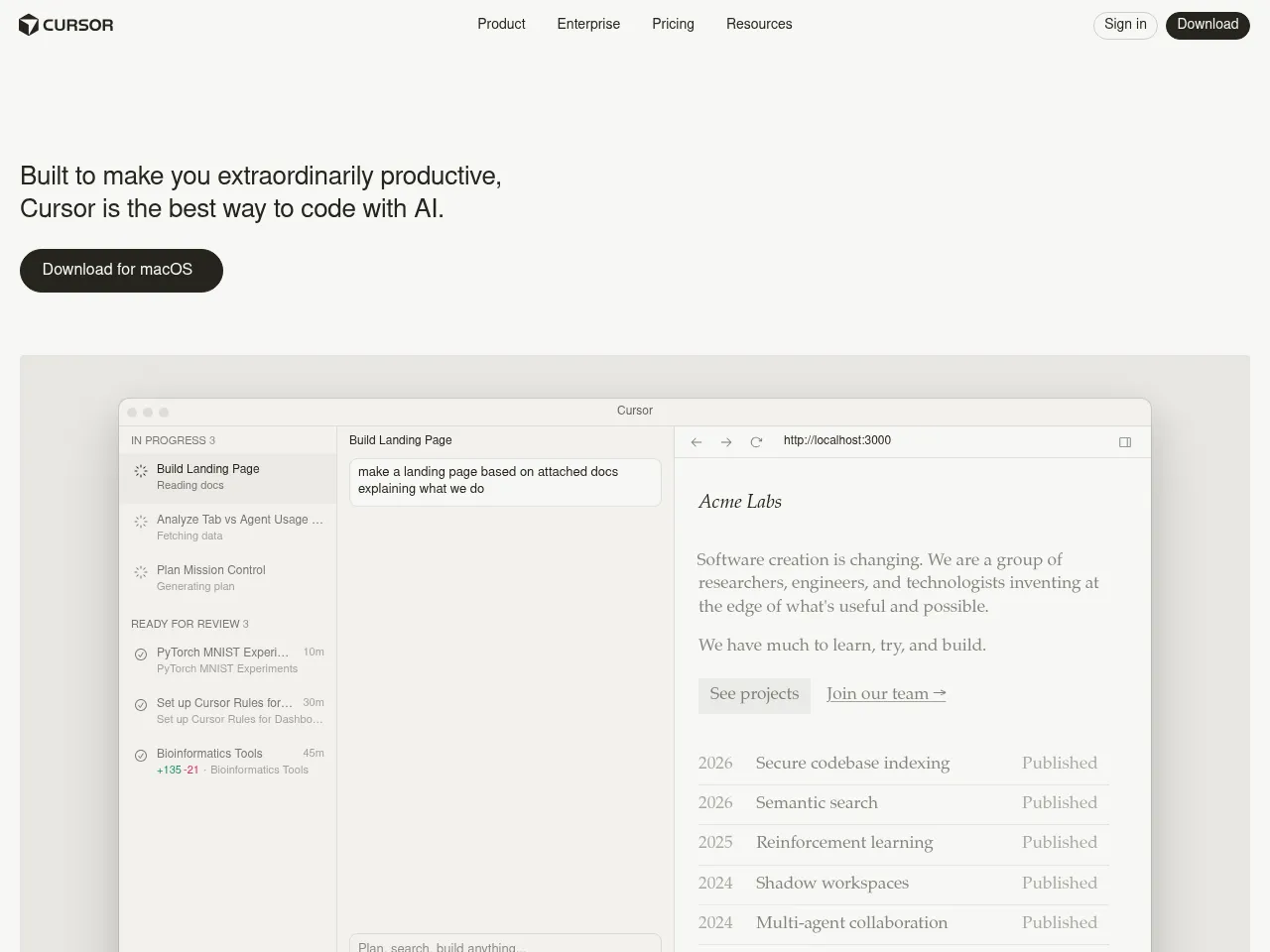
Cursor is a leading AI-native code editor that functions as an intelligent pair programmer. Built on VS Code, it integrates AI assistance into every aspect of coding through smart autocomplete, inline editing, and contextual chat, enabling developers to write, edit, and understand code faster with full codebase awareness.
AI Code Generators
Cursor generates code from natural language through its Cmd+K inline editing and Composer features. Developers describe desired functionality in plain language, and Cursor generates complete implementations across multiple files, handling everything from simple functions to complex architectural patterns with awareness of the existing codebase.
AI Code Review
Cursor's AI capabilities extend to code review, where developers can ask the AI to analyze code quality, identify potential issues, suggest improvements, and explain complex code sections. Its codebase-wide awareness enables it to assess code changes in the context of the entire project.
AI Debugging Tools
Cursor helps developers find and fix bugs through its AI chat and inline editing capabilities. Developers can highlight problematic code and ask the AI to identify issues, explain unexpected behavior, and generate fixes, all with full context of the project's codebase and dependencies.
Tool Details Freemium
Cursor has rapidly established itself as one of the most capable AI-powered code editors available. Built as a fork of VS Code, it offers a familiar environment while deeply integrating AI assistance through features like Tab completion, inline editing (Cmd+K), and an intelligent chat panel that understands your entire codebase.
The codebase-aware context is where Cursor truly shines " it indexes your project and provides remarkably relevant suggestions and refactors. Multi-file editing capabilities and the Agent mode make complex code generation tasks feel seamless. The free tier is generous enough to evaluate the tool, while the $20/mo Pro plan offers substantial usage of GPT-4 and Claude models.
Strengths include exceptional autocomplete accuracy, natural language code generation, and smooth VS Code extension compatibility. Limitations include occasional latency with larger codebases, and the code review and debugging features, while solid, are more implicit than purpose-built " they work through chat interactions rather than dedicated workflows.
For developers seeking an AI-first coding experience, Cursor is currently the benchmark against which competitors are measured.
Cursor has rapidly established itself as the premier AI-first code editor, effectively forking VS Code to integrate LLMs at a native level rather than as a mere plugin. Its standout feature is deep codebase indexing, allowing the AI to understand project-wide context far better than standard autocomplete tools like GitHub Copilot. Users can seamlessly switch between top-tier models like Claude 3.5 Sonnet and GPT-4o, ensuring optimal performance for different tasks. The "Composer" feature, which enables complex multi-file edits and generation, is a significant productivity booster. While the $20/mo Pro plan aligns with industry standards, the requirement to install a separate editor"albeit one with a seamless VS Code migration path"might deter developers in strictly controlled enterprise environments. Nevertheless, for most developers, Cursor currently offers the most fluid and powerful AI coding experience available.
 Powered by Rexiew