Adobe Podcast
About
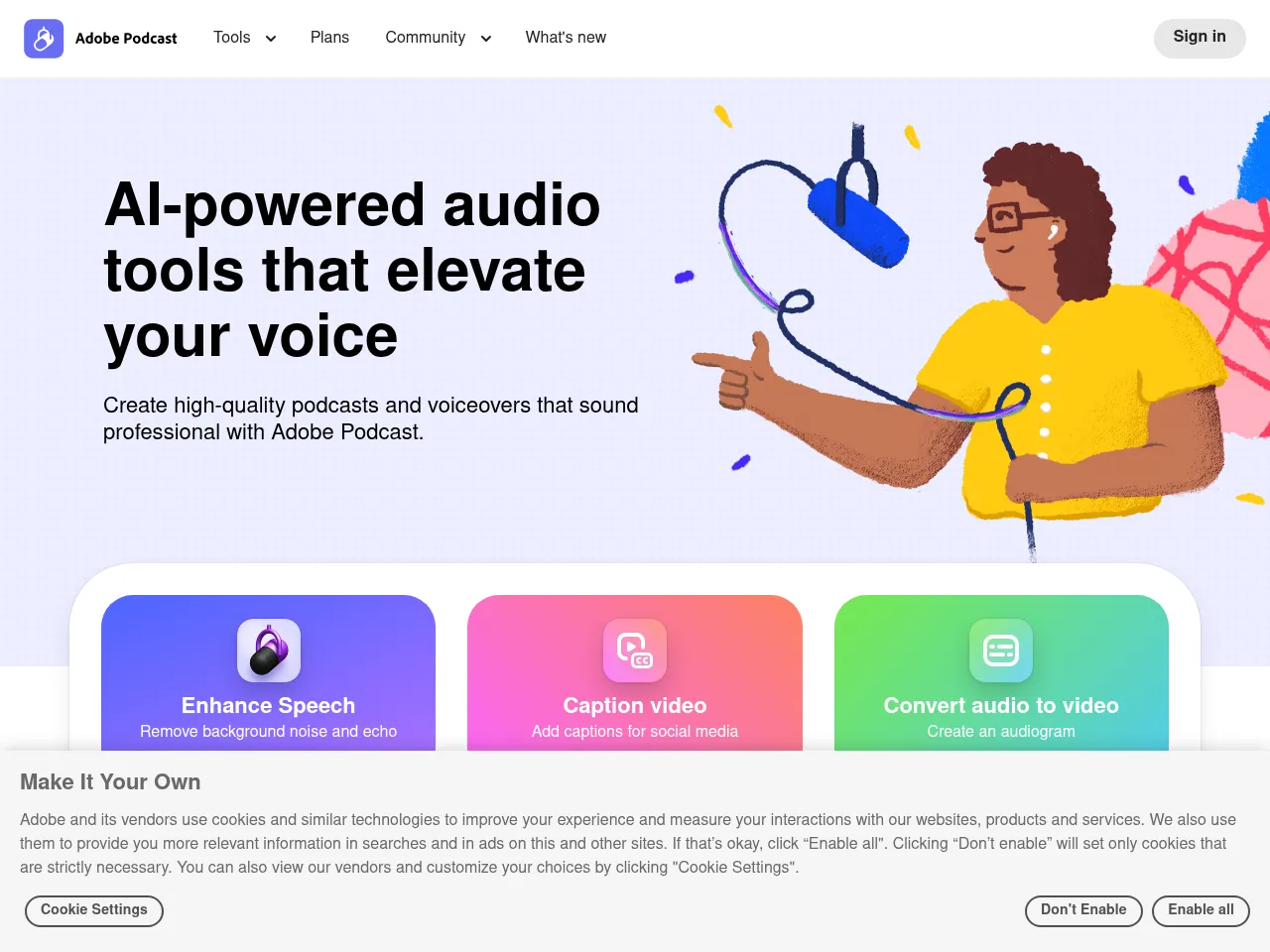
The Enhance Speech tool removes background noise, reduces room echo and reverberation, repairs clipping, normalizes volume levels, and enhances vocal clarity, transforming amateur recordings into professional-sounding audio with a single click. This feature works on uploaded audio files and is available as both a web tool and through integration with other Adobe products. Adobe Podcast also provides a web-based recording studio for capturing podcast episodes and interviews directly in the browser with real-time audio enhancement.
Additional features include AI-powered transcription for generating text versions of recorded audio, a microphone check tool that helps users optimize their recording setup before they begin, and collaborative editing features for team-based podcast production. The platform is designed to integrate with Adobe's broader creative ecosystem, including Adobe Premiere Pro and Adobe Audition, allowing audio enhancement to be applied within existing professional video and audio editing workflows.
Adobe Podcast is part of Adobe's expanding suite of AI-powered creative tools and is accessible through Adobe Creative Cloud subscriptions. The Enhance Speech feature is available for free as a standalone web tool for processing individual audio clips, making it accessible to anyone regardless of Adobe subscription status. Adobe was founded in 1982 and is headquartered in San Jose, California.
AI Audio Editors
Adobe Podcast's Enhance Speech feature uses AI to dramatically improve spoken audio quality by removing background noise, reducing echo, repairing clipping, normalizing volume, and enhancing vocal clarity. The tool transforms amateur recordings into professional-sounding audio with a single click and is available as a free standalone web tool for anyone to use.
AI Podcast Tools
Adobe Podcast provides AI-powered recording and enhancement tools specifically for podcast production. The web-based recording studio captures audio directly in the browser with real-time enhancement, while collaborative features support team-based production. Integration with Adobe Premiere Pro and Audition enables seamless incorporation into professional production workflows.
AI Transcription
Adobe Podcast includes AI-powered transcription capabilities that automatically convert recorded audio into text. The transcription feature supports podcast production workflows by providing text versions of episodes that can be used for show notes, blog posts, accessibility compliance, and content repurposing across other media formats.
Tool Details Freemium
Adobe Podcast leverages AI to make professional-quality audio production accessible to creators of all skill levels. Its standout feature, Enhance Speech, is remarkably effective " it removes background noise, echo, and artifacts with a single click, producing results that rival dedicated noise reduction software. The tool runs entirely in the browser, eliminating setup friction.
The transcription capabilities are solid, with decent accuracy across various accents, though it occasionally struggles with technical jargon or overlapping speakers. The text-based editing approach " where you edit audio by editing its transcript " is genuinely innovative and dramatically speeds up podcast post-production.
However, the full platform is locked behind Adobe Creative Cloud's steep $54.99/month subscription, which may deter independent creators. The podcast-specific toolset, while polished, still feels less feature-complete compared to dedicated platforms like Descript for end-to-end podcast workflows. The free Enhance Speech tier alone makes it worth trying, but power users may want more granular audio controls. A strong entry from Adobe that benefits enormously from their AI audio research.
Adobe Podcast is a game-changer for creators looking to achieve studio-quality sound without expensive hardware. Its standout feature, "Enhance Speech," uses impressive AI to scrub background noise and echo, often salvaging unusable audio, though it can occasionally introduce digital artifacts if the source material is heavily degraded. The platform offers a streamlined, text-based editing workflow that makes cutting episodes as easy as editing a document, a massive time-saver for narrative podcasters. While the basic tools are accessible for free, unlocking the full suite requires an Adobe Creative Cloud subscription, which may be a steep barrier for hobbyists compared to standalone alternatives like Descript. However, for existing Adobe users or those prioritizing ease of use over granular frequency control, it is a top-tier solution for polishing spoken audio.
 Powered by Rexiew