Uizard
About
AI App Builders
Uizard accelerates the app design phase by generating multi-screen mobile and web application mockups from text descriptions. While it focuses on the design layer rather than full application development, its ability to produce complete app wireframes and high-fidelity mockups makes it a valuable tool in the early stages of the app building process.
AI Design Tools
Uizard provides a comprehensive design editor with pre-built component libraries for iOS, Android, and web platforms, along with theming and template capabilities. Its AI features automate the design process from text descriptions, screenshots, and hand-drawn sketches, enabling non-designers to create professional mockups and enabling experienced designers to dramatically accelerate their workflow with rapid iteration and real-time team feedback.
AI Image Generators
Uizard includes AI image generation capabilities within its design editor, allowing users to generate and insert custom images, illustrations, and visual assets directly into their UI designs without leaving the platform. This integrated approach eliminates the need to switch between separate design and image generation tools, significantly streamlining the creation of visually complete and presentation-ready interface mockups.
AI UI/UX Tools
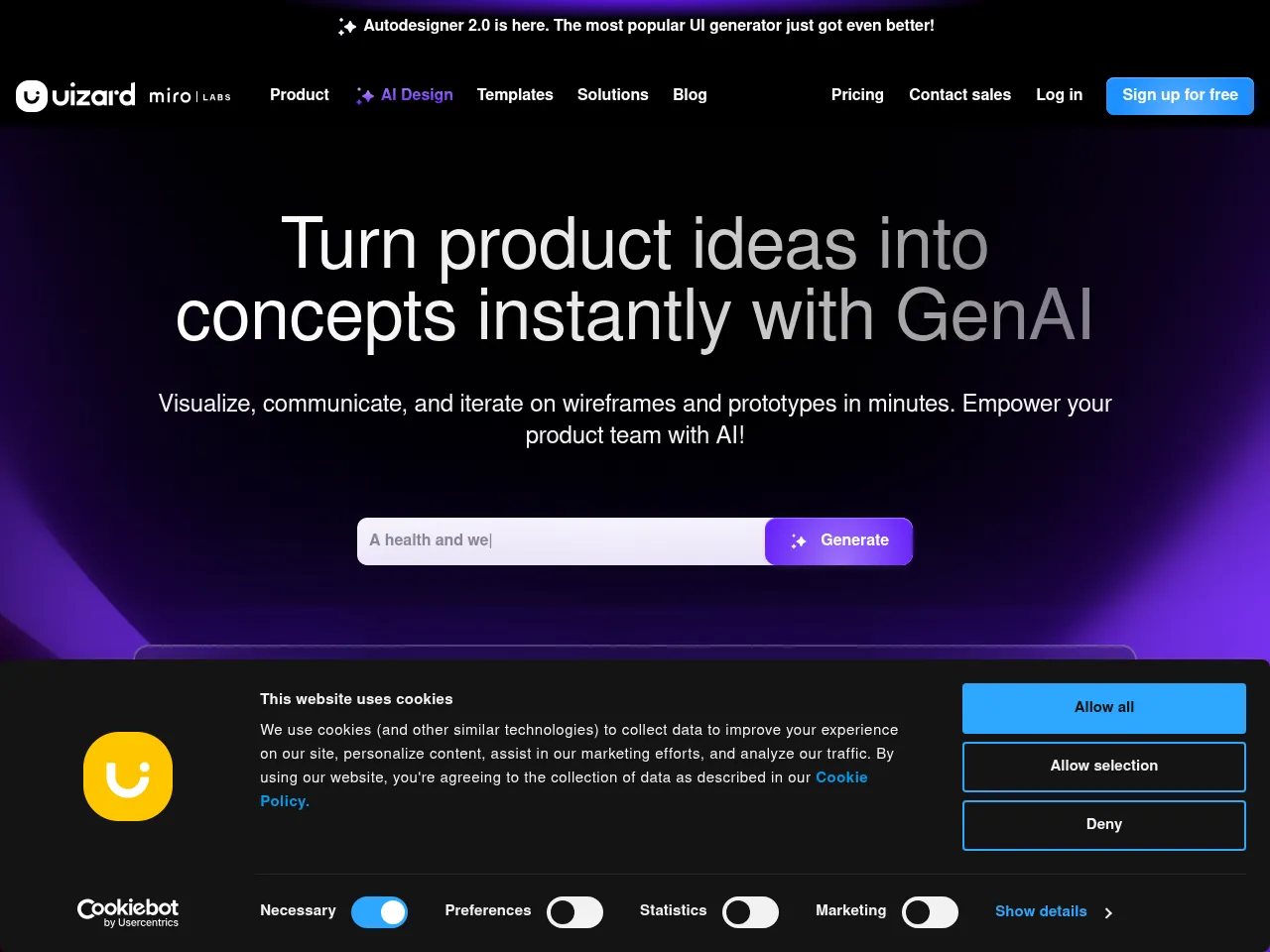
Uizard is a purpose-built AI UI/UX design tool that generates complete multi-screen interface designs from text prompts through its Autodesigner feature. It also offers screenshot scanning, hand-drawn sketch conversion, and an AI Heatmap Predictor for UX analysis, making it one of the most AI-native UI design tools available for rapid prototyping and iteration.
Tool Details Freemium
Uizard is a standout AI-powered design platform that dramatically accelerates the UI/UX prototyping process. Its flagship feature lets users generate multi-screen app mockups from simple text prompts or even hand-drawn sketches, making it exceptionally accessible for non-designers and product teams looking to iterate quickly.
The tool excels at producing professional-looking wireframes and prototypes for web apps, mobile apps, and landing pages. Its drag-and-drop editor is intuitive, and the AI-assisted theme generation and component suggestions streamline the design workflow considerably. The screenshot-to-design feature is particularly impressive for reverse-engineering inspiration.
On the limitations side, the generated designs can feel somewhat templated, and advanced designers may find the customization options restrictive compared to Figma or Sketch. The image generation capabilities, while useful for placeholder assets, aren't competitive with dedicated AI image generators. The free plan is quite limited in project count.
Pricing is reasonable at $12/mo for Pro, offering solid value for startups and solo creators. Overall, Uizard is one of the best AI-first prototyping tools available, particularly for rapid ideation and early-stage product design.
 Powered by Rexiew