Canva Background Remover
About
AI Background Removers
Canva Background Remover uses ML to instantly detect and remove photo backgrounds with one click within Canva's design toolkit.
Tool Details Freemium
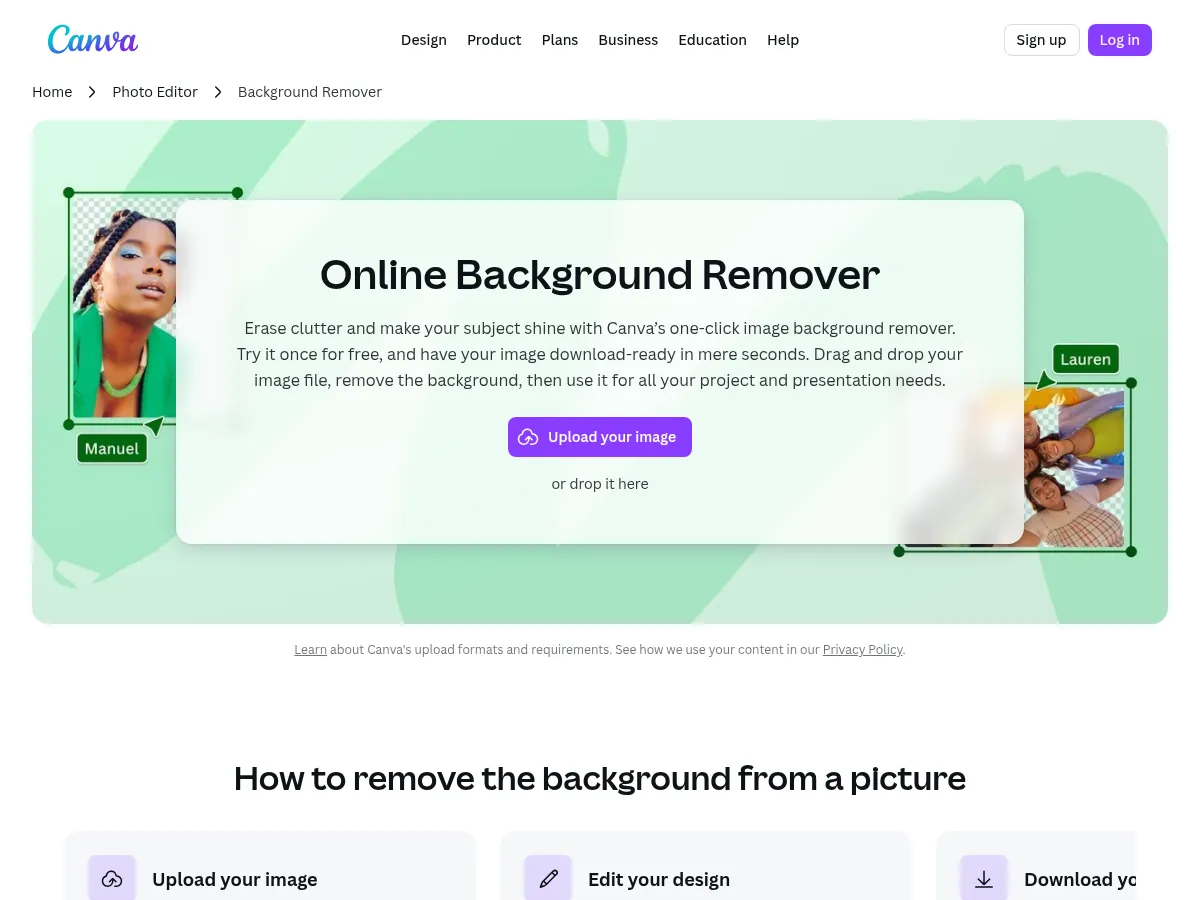
Canva Background Remover is a convenient one-click tool integrated directly into Canva's popular design platform. It excels at removing backgrounds from photos with impressive accuracy, particularly for portraits and product images with clean edges. The seamless integration means you can immediately use your cutout in designs, presentations, and social media posts without switching tools.
The biggest strength is workflow efficiency " background removal, editing, and design all happen in one place. Results are generally clean, though complex edges like hair or transparent objects can sometimes lose detail compared to dedicated tools like remove.bg. The AI processing is fast, typically completing in seconds.
The main limitation is that background removal requires a Canva Pro subscription ($12.99/mo), which may feel steep if this is your primary use case. However, for existing Canva Pro users, it's an excellent value-add feature. There's no standalone API access, which limits automation possibilities. For casual users already in the Canva ecosystem, it's a highly practical solution that eliminates the need for separate background removal tools.
Canva's Background Remover is a standout feature within its design ecosystem, offering one of the most user-friendly experiences available for non-designers. Available to Pro subscribers, this tool uses advanced AI to instantly isolate subjects with impressive accuracy, handling complex edges like hair and fur better than many standalone competitors. The real power lies in the integrated workflow; once the background is removed, users can immediately leverage Canva's vast library to add new backdrops, shadows, or effects without switching tabs.
While it lacks a public API for developers and is gated behind the monthly subscription, the inclusion of manual "Erase" and "Restore" brushes allows for critical fine-tuning that fully automated tools often miss. For social media managers and content creators, it is an indispensable time-saver. However, users seeking a quick, one-off solution without a subscription commitment might find dedicated freemium alternatives like remove.bg more accessible.
 Powered by Rexiew