Fotor Background Remover
About
AI Background Removers
Fotor Background Remover uses AI for complex edges like hair with batch processing for e-commerce photos.
Tool Details Freemium
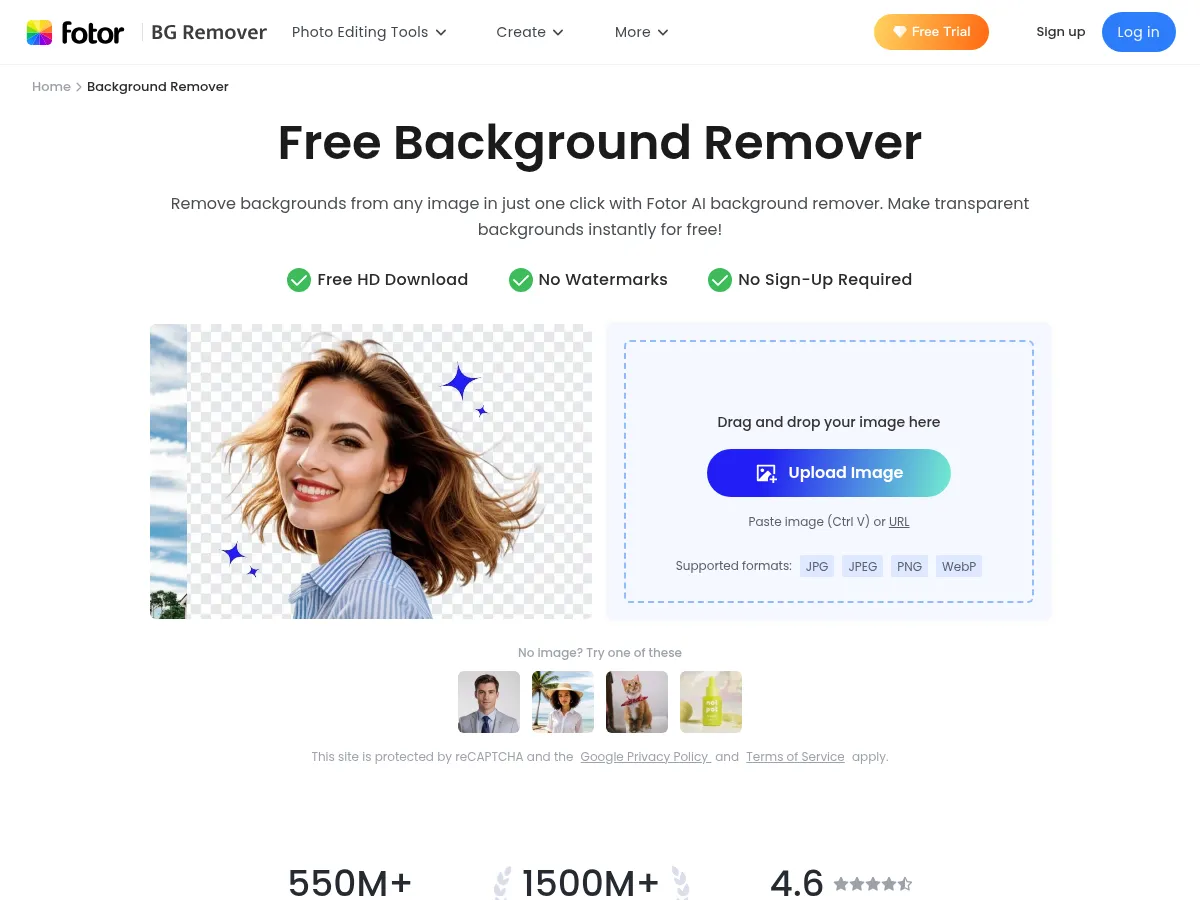
Fotor Background Remover is a capable browser-based tool that leverages AI to automatically remove backgrounds from images with minimal effort. The one-click removal process works surprisingly well for most standard photos " portraits, product shots, and objects with clear edges are handled cleanly. It's part of Fotor's broader photo editing suite, which adds value since users can immediately edit, add new backgrounds, or make adjustments without switching tools.
Strengths include its intuitive interface, no software installation required, and the freemium model that lets users test before committing. The Pro plan at $8.99/mo is competitively priced, especially considering access to Fotor's full editing toolkit.
Limitations include occasional struggles with complex edges like hair or semi-transparent objects, where dedicated tools like remove.bg tend to perform better. Free tier output resolution is restricted, which may frustrate users needing high-quality exports. Processing speed is generally good but can lag with larger files.
Overall, Fotor Background Remover is a solid choice for casual users and small businesses who want background removal bundled with a versatile photo editor, though professionals with demanding edge-detection needs may want a more specialized solution.
Fotor's Background Remover stands out as a highly efficient tool within its broader photo editing ecosystem. Leveraging advanced AI algorithms, it delivers impressive precision in isolating subjects, handling complex edges like hair and fur with surprising accuracy. The interface is intuitive, allowing users to remove backgrounds in a single click and immediately swap them for transparent, colored, or AI-generated alternatives. While the free version offers a taste of its capabilities, high-resolution downloads and bulk processing generally require a subscription. At $8.99/month, the value proposition is strong if you utilize Fotor's complete design suite; however, for users strictly seeking a one-off background removal tool without watermarks or resolution caps, the paywall might feel restrictive compared to some completely free alternatives. It remains a top-tier choice for e-commerce sellers and content creators seeking a streamlined workflow.
 Powered by Rexiew