Beautiful.ai
เกี่ยวกับ
เครื่องมือสร้างงานนำเสนอ AI
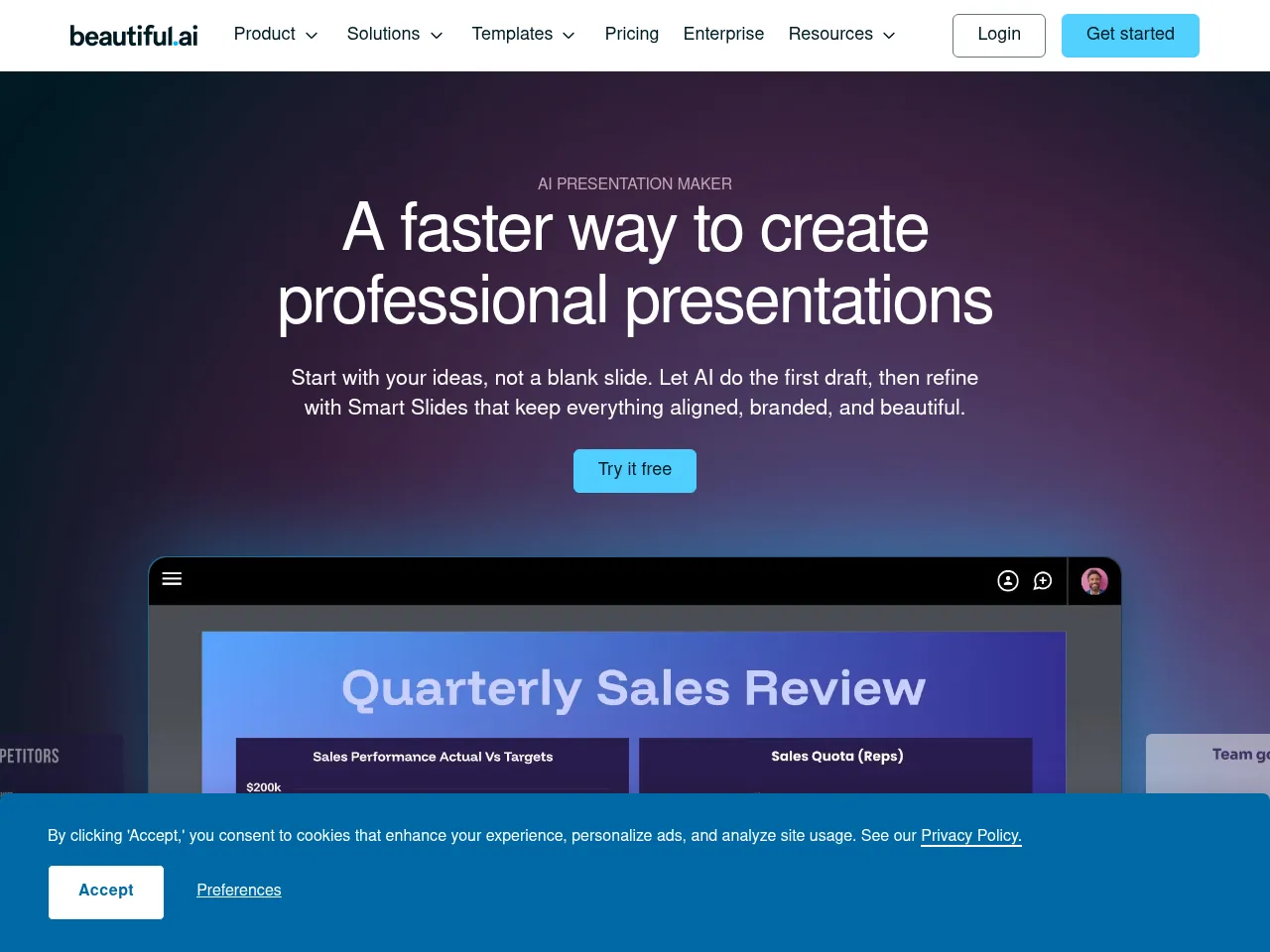
Beautiful.ai เป็นซอฟต์แวร์การนำเสนอที่เฉพาะเจาะจงด้วย AI ซึ่งใช้กฎการออกแบบที่อัจฉริยะเพื่อจัดรูปแบบและเค้าโครงสไลด์โดยอัตโนมัติเมื่อผู้ใช้เพิ่มเนื้อหา DesignerBot สร้างการนำเสนออย่างสมบูรณ์จากพรอมพ์ข้อความ ขณะที่เทมเพลตอัจฉริยะปรับตัวให้เข้ากับการเปลี่ยนแปลงเนื้อหาโดยไดนามิก ซึ่งแน่นอนว่าสไลด์มีคุณภาพระดับมืออาชีพโดยไม่ต้องมีความชำนาญในการออกแบบกราฟิก
เครื่องมือเพิ่มประสิทธิภาพการทำงาน AI
Beautiful.ai ลดเวลาในการสร้างการนำเสนออย่างมาก โดยอัตโนมัติในการตัดสินใจด้านการออกแบบที่มักใช้เวลาหลายชั่วโมงในการจัดรูปแบบด้วยตนเอง เครื่องมือเค้าโครงที่ขับเคลื่อนด้วย AI จัดการระยะห่าง การจัดตำแหน่ง และลำดับชั้นข้อมูลสายตาโดยอัตโนมัติ ขณะที่ DesignerBot สามารถสร้างการนำเสนอฉบับร่างแรกในเวลาไม่กี่นาทีจากคำอธิบายข้อความที่เรียบง่าย
รายละเอียดเครื่องมือ ชำระเงิน
Beautiful.ai is one of the most polished AI-powered presentation tools available, designed to make slide creation effortless through smart design automation. Its standout feature is the intelligent formatting engine " as you add content, slides automatically adjust layouts, spacing, and alignment to maintain professional aesthetics. The extensive template library and smart slide suggestions significantly reduce design time, making it ideal for teams that produce presentations frequently but lack dedicated designers.
The interface is intuitive and modern, with a gentle learning curve for anyone familiar with traditional slide tools. Collaboration features, including real-time editing and shared team workspaces, add genuine productivity value. The AI doesn't just assist with design " it actively prevents bad design choices, which is a subtle but powerful differentiator.
On the downside, starting at $12/user/month with no free tier limits accessibility for casual users. Customization can feel restrictive compared to PowerPoint or Google Slides, as the AI guardrails sometimes prevent granular control. Export options are adequate but not as flexible as some competitors. Overall, Beautiful.ai excels at producing consistently attractive presentations with minimal effort.
Beautiful.ai stands out in the crowded presentation space by prioritizing design automation over pixel-perfect manual control. Its core strength lies in its "Smart Slide" technology, which automatically adjusts layout, alignment, and font sizing as you add content, ensuring slides always look professional. The integration of DesignerBot allows users to generate full decks, text, and images from simple prompts, significantly reducing the "blank canvas" anxiety.
While the platform excels at speed and aesthetic consistency, power users might find the rigid design constraints frustrating compared to the total freedom of PowerPoint. Additionally, while it exports to editable PowerPoint files, the transition isn't always seamless. At $12/month, it is a worthwhile investment for professionals who need to churn out polished decks quickly without fiddling with formatting, though the lack of a permanent free tier is a minor drawback for casual users.
 Powered by Rexiew