Cursor
حول
مساعدو البرمجة بالذكاء الاصطناعي
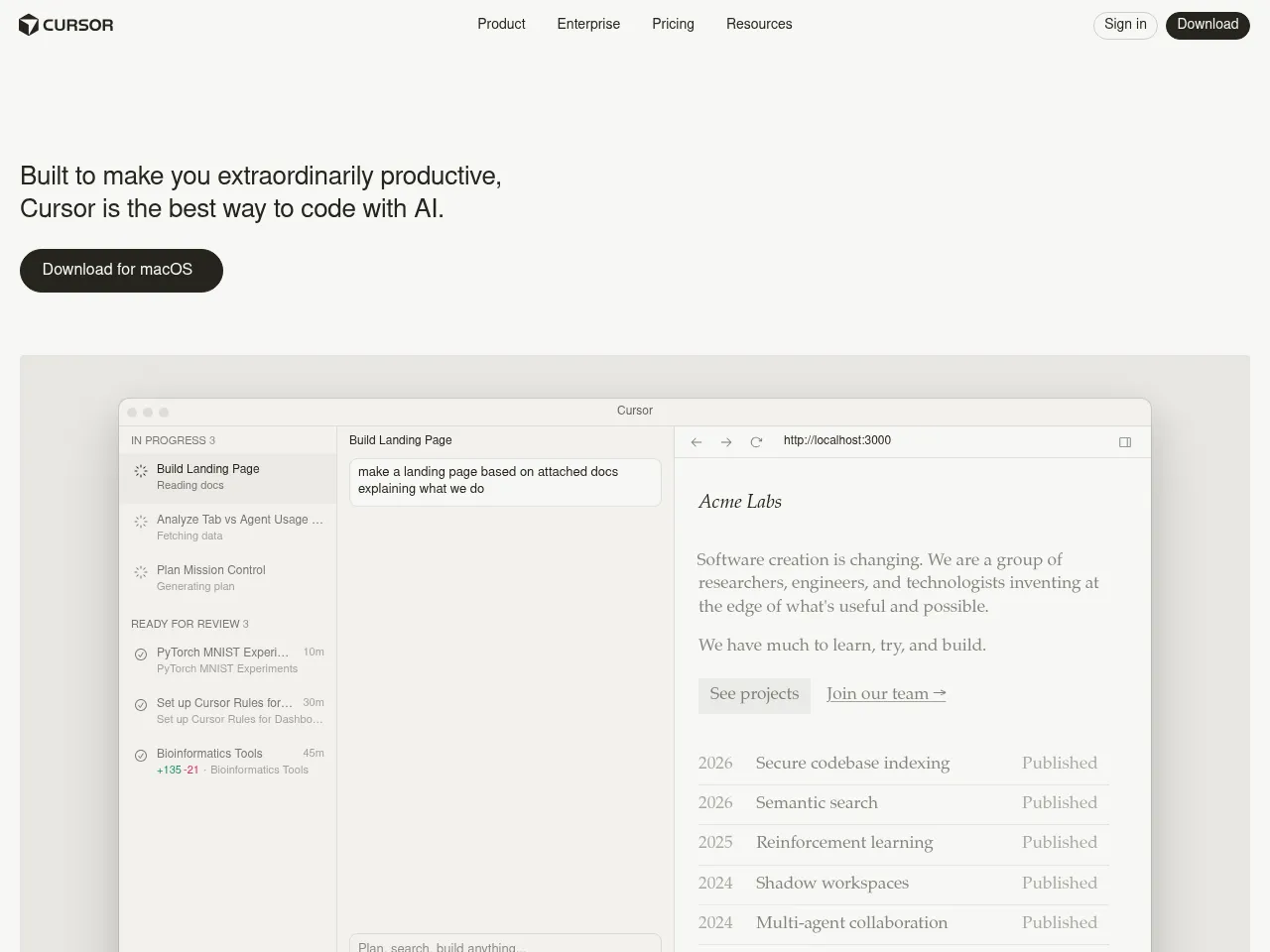
Cursor هو محرر أكواد أصلي قائم على الذكاء الاصطناعي يعمل كمبرمج مساعد ذكي. مبني على VS Code، فهو يدمج المساعدة الذكية في كل جوانب البرمجة من خلال الإكمال الذاتي الذكي والتحرير المضمن والدردشة السياقية، مما يمكّن المطورين من كتابة وتحرير وفهم الأكواد بسرعة أكبر مع الوعي الكامل بقاعدة الأكواد.
مولّدات الشيفرة بالذكاء الاصطناعي
ينشئ Cursor الأكواد من اللغة الطبيعية من خلال ميزات التحرير المضمن Cmd+K و Composer. يصف المطورون الوظائف المرغوبة باللغة العادية، وينتج Cursor تطبيقات كاملة عبر ملفات متعددة، ويتعامل مع كل شيء من الدوال البسيطة إلى الأنماط المعمارية المعقدة مع الوعي بقاعدة الأكواد الموجودة.
مراجعة الشيفرة بالذكاء الاصطناعي
تمتد قدرات Cursor الذكية إلى مراجعة الأكواد، حيث يمكن للمطورين طلب من الذكاء الاصطناعي تحليل جودة الأكواد وتحديد المشاكل المحتملة واقتراح التحسينات وشرح أقسام الأكواد المعقدة. يمكن لوعيه بقاعدة الأكواد بالكامل تقييم تغييرات الأكواد في سياق المشروع بأكمله.
أدوات تصحيح الأخطاء البرمجية بالذكاء الاصطناعي
يساعد Cursor المطورين على البحث عن الأخطاء وإصلاحها من خلال إمكانيات الدردشة الذكية والتحرير المضمن. يمكن للمطورين تحديد الأكواد المشكلة وطلب من الذكاء الاصطناعي تحديد المشاكل وشرح السلوك غير المتوقع وإنشاء إصلاحات، كل ذلك مع السياق الكامل لقاعدة أكواد المشروع والاعتماديات.
تفاصيل الأداة مجاني مع خيارات مدفوعة
Cursor has rapidly established itself as one of the most capable AI-powered code editors available. Built as a fork of VS Code, it offers a familiar environment while deeply integrating AI assistance through features like Tab completion, inline editing (Cmd+K), and an intelligent chat panel that understands your entire codebase.
The codebase-aware context is where Cursor truly shines " it indexes your project and provides remarkably relevant suggestions and refactors. Multi-file editing capabilities and the Agent mode make complex code generation tasks feel seamless. The free tier is generous enough to evaluate the tool, while the $20/mo Pro plan offers substantial usage of GPT-4 and Claude models.
Strengths include exceptional autocomplete accuracy, natural language code generation, and smooth VS Code extension compatibility. Limitations include occasional latency with larger codebases, and the code review and debugging features, while solid, are more implicit than purpose-built " they work through chat interactions rather than dedicated workflows.
For developers seeking an AI-first coding experience, Cursor is currently the benchmark against which competitors are measured.
Cursor has rapidly established itself as the premier AI-first code editor, effectively forking VS Code to integrate LLMs at a native level rather than as a mere plugin. Its standout feature is deep codebase indexing, allowing the AI to understand project-wide context far better than standard autocomplete tools like GitHub Copilot. Users can seamlessly switch between top-tier models like Claude 3.5 Sonnet and GPT-4o, ensuring optimal performance for different tasks. The "Composer" feature, which enables complex multi-file edits and generation, is a significant productivity booster. While the $20/mo Pro plan aligns with industry standards, the requirement to install a separate editor"albeit one with a seamless VS Code migration path"might deter developers in strictly controlled enterprise environments. Nevertheless, for most developers, Cursor currently offers the most fluid and powerful AI coding experience available.
 Powered by Rexiew