Cursor
关于
AI 代码助手
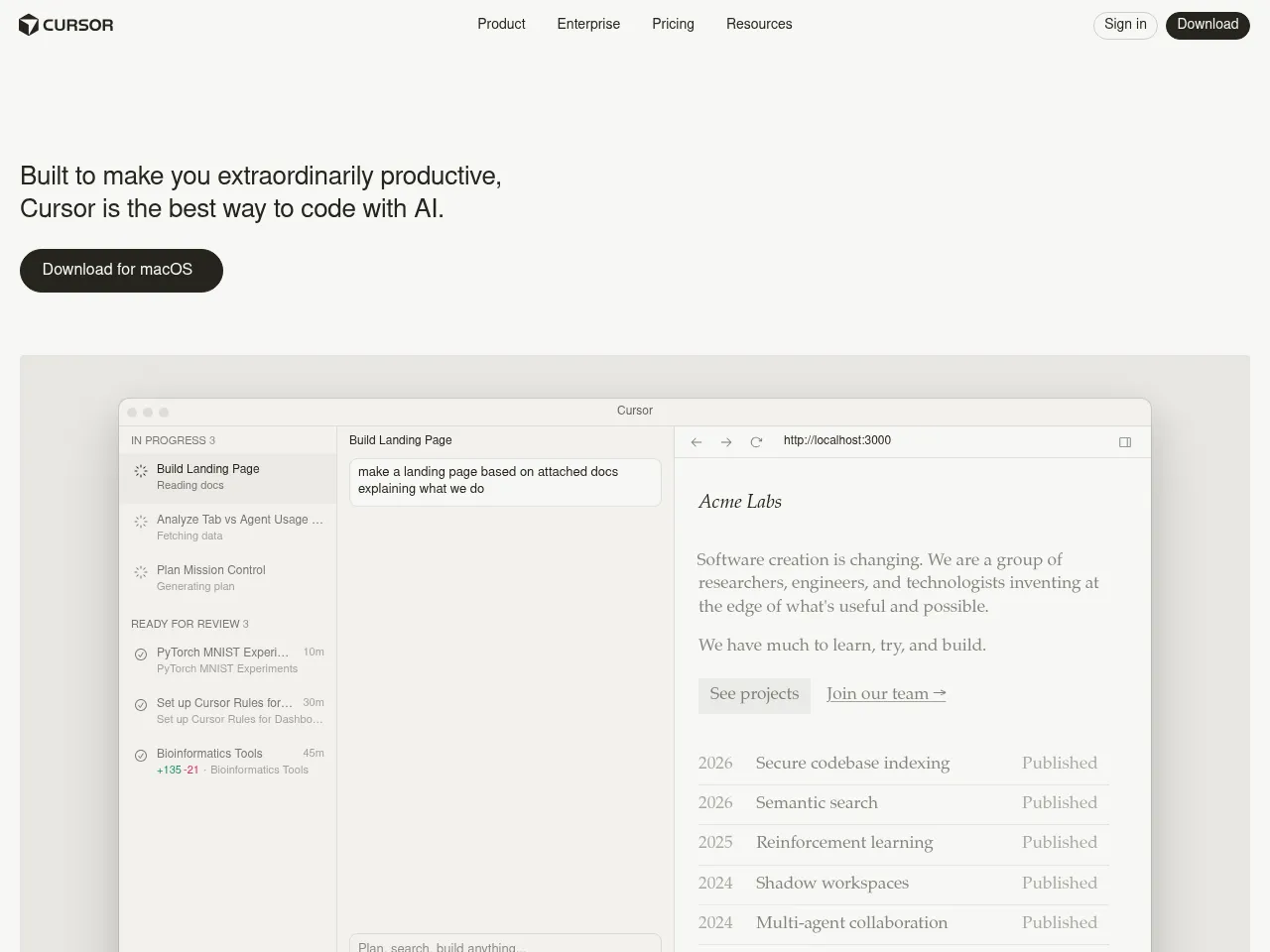
Cursor 是一款领先的 AI 原生代码编辑器,充当智能配对编程伙伴。基于 VS Code 构建,它通过智能自动补全、内联编辑和上下文感知聊天,将 AI 协助集成到编码的各个方面,使开发者能够以完整的代码库意识更快地编写、编辑和理解代码。
AI 代码生成工具
Cursor 通过其 Cmd+K 内联编辑和 Composer 功能从自然语言生成代码。开发者用纯语言描述所需功能,Cursor 会跨多个文件生成完整的实现,从简单函数到复杂的架构模式,全程理解现有代码库。
AI 代码审查
Cursor 的 AI 功能扩展到代码审查,开发者可以要求 AI 分析代码质量、识别潜在问题、建议改进并解释复杂代码段。其代码库范围内的意识使其能够在整个项目的背景下评估代码变更。
AI 调试工具
Cursor 通过其 AI 聊天和内联编辑功能帮助开发者查找和修复 bug。开发者可以高亮有问题的代码并要求 AI 识别问题、解释异常行为和生成修复,所有操作都完整掌握项目代码库和依赖的上下文。
工具详情 免费增值
Cursor has rapidly established itself as one of the most capable AI-powered code editors available. Built as a fork of VS Code, it offers a familiar environment while deeply integrating AI assistance through features like Tab completion, inline editing (Cmd+K), and an intelligent chat panel that understands your entire codebase.
The codebase-aware context is where Cursor truly shines " it indexes your project and provides remarkably relevant suggestions and refactors. Multi-file editing capabilities and the Agent mode make complex code generation tasks feel seamless. The free tier is generous enough to evaluate the tool, while the $20/mo Pro plan offers substantial usage of GPT-4 and Claude models.
Strengths include exceptional autocomplete accuracy, natural language code generation, and smooth VS Code extension compatibility. Limitations include occasional latency with larger codebases, and the code review and debugging features, while solid, are more implicit than purpose-built " they work through chat interactions rather than dedicated workflows.
For developers seeking an AI-first coding experience, Cursor is currently the benchmark against which competitors are measured.
Cursor has rapidly established itself as the premier AI-first code editor, effectively forking VS Code to integrate LLMs at a native level rather than as a mere plugin. Its standout feature is deep codebase indexing, allowing the AI to understand project-wide context far better than standard autocomplete tools like GitHub Copilot. Users can seamlessly switch between top-tier models like Claude 3.5 Sonnet and GPT-4o, ensuring optimal performance for different tasks. The "Composer" feature, which enables complex multi-file edits and generation, is a significant productivity booster. While the $20/mo Pro plan aligns with industry standards, the requirement to install a separate editor"albeit one with a seamless VS Code migration path"might deter developers in strictly controlled enterprise environments. Nevertheless, for most developers, Cursor currently offers the most fluid and powerful AI coding experience available.
 Powered by Rexiew