Galileo AI
حول
منشئو التطبيقات بالذكاء الاصطناعي
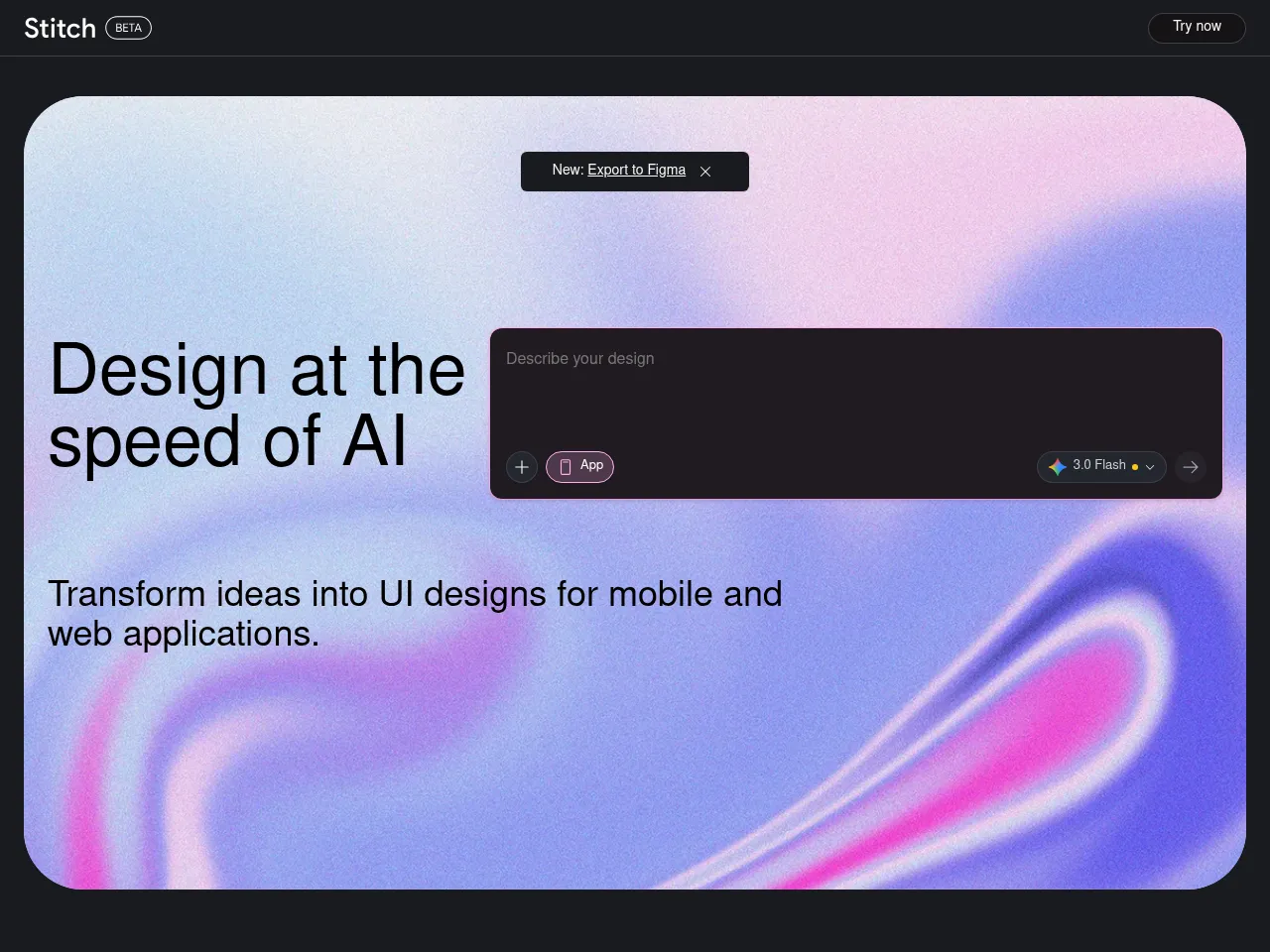
يسرع Galileo AI عملية تطوير التطبيق من خلال إنشاء تصاميم واجهة مستخدم مفصلة وقابلة للقياس للتطبيقات المحمولة والويب من وصفات نصية. بينما يركز على طبقة التصميم البصري وليس توليد الكود الكامل، فإن قدرته على إنتاج نماذج واجهة واقعية وعالية جودة الإنتاج تساعد فرق المنتج على التحقق السريع من المفاهيم واستكشاف بدائل التصميم وتوصيل تصاميم التطبيق بوضوح للمطورين أثناء النقل.
أدوات التصميم بالذكاء الاصطناعي
يعمل Galileo AI كأداة تصميم أصلية مدعومة بالذكاء الاصطناعي تنشئ تصاميم واجهة مصقولة وعالية الدقة من المحفزات باللغة الطبيعية مع الطباعة الواقعية والصور والمسافات. مخرجاته قابلة للتحرير بالكامل ضمن المنصة وقابلة للتصدير إلى Figma للمزيد من التحسين، مما يجعله إضافة عملية لمسارات العمل الاحترافية في التصميم لاستكشاف المفاهيم السريعة وعروض العملاء وتنماذج نظام التصميم والتطوير المبكر للمنتج.
مولّدات الصور بالذكاء الاصطناعي
يدمج Galileo AI توليد الصور بالذكاء الاصطناعي ضمن مخرجات التصميم الخاصة به، مما ينشئ رسومات توضيحية وصور بطل الفيلم والأصول البصرية المناسبة سياقيًا التي تكمل تخطيطات الواجهات المُنشأة. يضمن توليد المحتوى البصري المتكامل هذا أن التصاميم تبدو كاملة وواقعية وجاهزة للعرض بدلاً من احتياج المصممين إلى البحث المنفصل والترخيص والوضع اليدوي للصور المخزنة في نماذجهم الأولية.
أدوات واجهة وتجربة المستخدم بالذكاء الاصطناعي
Galileo AI هي أداة تصميم واجهة مستخدم وتجربة مستخدم مخصصة تنشئ تصاميم واجهة عالية الدقة من الوصفات النصية. تم تدريبها على الآلاف من التصاميم الحقيقية، وتنتج تخطيطات تتبع أنماط التصميم والممارسات الفضلى الحالية، مما يولد شاشات كاملة مع المكونات والطباعة وأنظمة الألوان والتسلسل البصري المناسب للتطبيقات المحمولة والويب.
تفاصيل الأداة مجاني مع خيارات مدفوعة
Galileo AI is a standout text-to-UI design tool that transforms natural language prompts into polished, editable interface designs in seconds. Its core strength lies in generating high-fidelity UI mockups that look remarkably professional " complete with appropriate layouts, typography, color schemes, and placeholder content. The tool excels at rapidly prototyping screens for web and mobile applications, making it invaluable for designers seeking quick starting points and non-designers needing presentable interfaces.
The freemium model with Pro plans starting at $19/mo offers solid value, especially given the time savings on initial design iterations. Outputs are editable and exportable, integrating reasonably well into existing design workflows. The AI demonstrates strong understanding of common UI patterns and design conventions.
Limitations include less control over granular design decisions compared to traditional tools like Figma, and generated designs sometimes require significant refinement for production use. Image generation capabilities are functional but secondary to the UI focus. Complex, multi-screen application flows still need manual orchestration. Despite these constraints, Galileo AI represents a genuinely useful acceleration tool for the design process.
Galileo AI acts as a powerful co-pilot for interface design, utilizing generative AI to transform text descriptions into high-fidelity UI screens. It excels at rapid prototyping, allowing designers and developers to move from idea to visual concept in seconds. The platform's strongest asset is its ability to export editable designs directly to Figma, preserving layers and components for immediate refinement. While it doesn't build backend logic"making it more of a design accelerator than a full app builder"it significantly reduces the time spent on wireframing and initial layout. The freemium model offers a low barrier to entry, making it an attractive tool for overcoming creative blocks, though complex UX flows still require human intervention to ensure usability standards.
 Powered by Rexiew