Galileo AI
概要
AIアプリビルダー
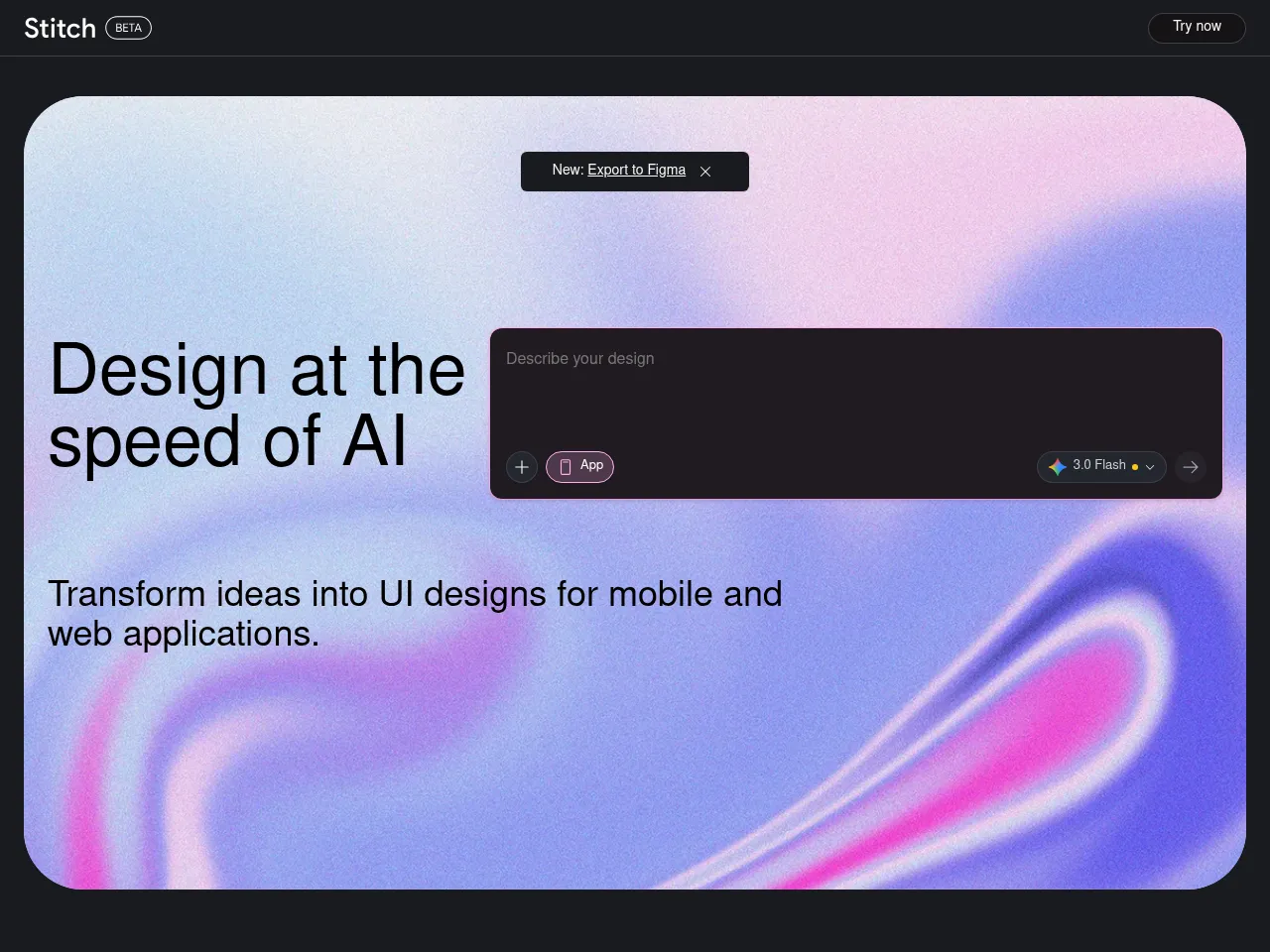
Galileo AIはテキスト説明からモバイルおよびウェブアプリケーションの詳細でコンポーネント精度の高いUIデザインを生成することで、アプリ開発プロセスを加速します。完全なコード生成よりもビジュアルデザイン層に焦点を当てていますが、リアルなプロダクション品質のインターフェースモックアップを生成する能力により、プロダクトチームがコンセプトを素早く検証し、デザインの代替案を探索し、ハンドオフ時にアプリケーションデザインを開発者に明確に伝えることができます。
AIデザインツール
Galileo AIはリアルなタイポグラフィ、画像、スペーシングを備えた洗練された高精細インターフェースデザインを自然言語プロンプトから作成するAIネイティブのデザインツールとして機能します。出力はプラットフォーム内で完全に編集可能で、さらなる改良のためにFigmaにエクスポートできるため、迅速なコンセプト探索、クライアントプレゼンテーション、デザインシステムのプロトタイピング、初期段階の製品アイデア出しなど、プロフェッショナルなデザインワークフローへの実用的な追加となります。
AI画像生成ツール
Galileo AIはデザイン出力内にAI画像生成を組み込み、生成されたインターフェースレイアウトを補完する文脈的に適切なイラスト、ヒーロー画像、ビジュアルアセットを作成します。この統合されたビジュアルコンテンツ生成により、デザイナーがストック画像を別途調達し、ライセンスを取得し、モックアップに手動で配置する必要がなくなり、デザインが完成感があり、リアルで、プレゼンテーション対応になります。
AI UI/UXツール
Galileo AIはテキスト説明から高精細インターフェースデザインを生成する専用のAI UI/UXデザインツールです。数千の実世界のデザインで訓練されており、現在のデザインパターンとベストプラクティスに従ったレイアウトを生成し、モバイルおよびウェブアプリケーション向けに適切なコンポーネント、タイポグラフィ、カラースキーム、ビジュアル階層を備えた完全な画面を作成します。
ツール詳細 フリーミアム
Galileo AI is a standout text-to-UI design tool that transforms natural language prompts into polished, editable interface designs in seconds. Its core strength lies in generating high-fidelity UI mockups that look remarkably professional " complete with appropriate layouts, typography, color schemes, and placeholder content. The tool excels at rapidly prototyping screens for web and mobile applications, making it invaluable for designers seeking quick starting points and non-designers needing presentable interfaces.
The freemium model with Pro plans starting at $19/mo offers solid value, especially given the time savings on initial design iterations. Outputs are editable and exportable, integrating reasonably well into existing design workflows. The AI demonstrates strong understanding of common UI patterns and design conventions.
Limitations include less control over granular design decisions compared to traditional tools like Figma, and generated designs sometimes require significant refinement for production use. Image generation capabilities are functional but secondary to the UI focus. Complex, multi-screen application flows still need manual orchestration. Despite these constraints, Galileo AI represents a genuinely useful acceleration tool for the design process.
Galileo AI acts as a powerful co-pilot for interface design, utilizing generative AI to transform text descriptions into high-fidelity UI screens. It excels at rapid prototyping, allowing designers and developers to move from idea to visual concept in seconds. The platform's strongest asset is its ability to export editable designs directly to Figma, preserving layers and components for immediate refinement. While it doesn't build backend logic"making it more of a design accelerator than a full app builder"it significantly reduces the time spent on wireframing and initial layout. The freemium model offers a low barrier to entry, making it an attractive tool for overcoming creative blocks, though complex UX flows still require human intervention to ensure usability standards.
 Powered by Rexiew