Galileo AI
소개
AI 앱 빌더
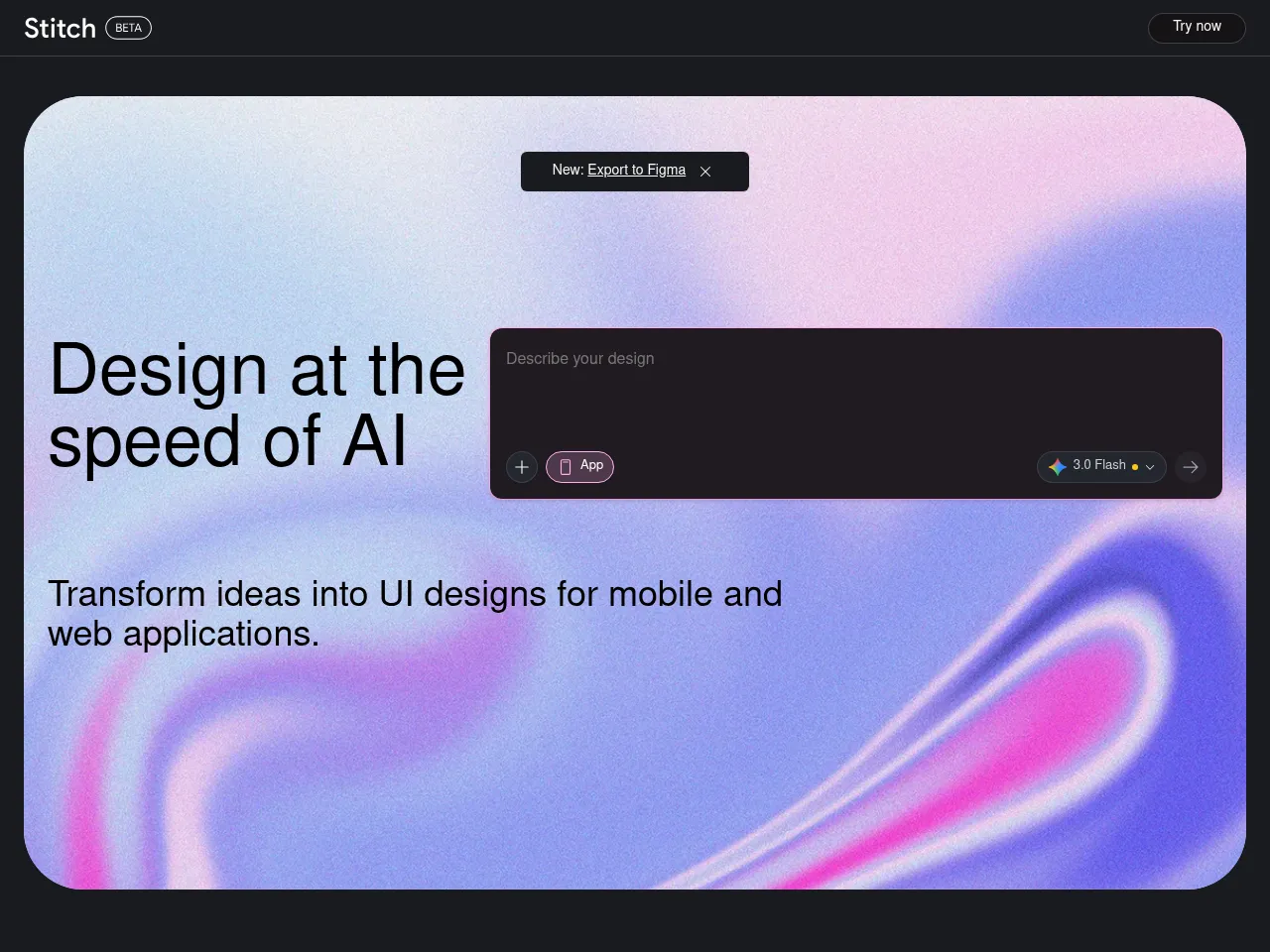
Galileo AI는 텍스트 설명에서 모바일 및 웹 애플리케이션을 위한 상세한 컴포넌트 정확도의 UI 디자인을 생성하여 앱 개발 프로세스를 가속화합니다. 시각적 디자인 계층에만 초점을 맞추고 있지만 현실적이고 제품 수준의 인터페이스 목업을 생성할 수 있는 능력으로 인해 제품 팀이 개념을 빠르게 검증하고, 디자인 대안을 탐색하며, 개발자에게 애플리케이션 디자인을 명확하게 전달할 수 있습니다.
AI 디자인 도구
Galileo AI는 자연어 프롬프트에서 현실적인 타이포그래피, 이미지 및 간격을 포함한 세련되고 높은 충실도의 인터페이스 디자인을 생성하는 AI 기본 디자인 도구로 작동합니다. 출력은 플랫폼 내에서 완전히 편집 가능하고 추가 개선을 위해 Figma로 내보낼 수 있으므로 빠른 개념 탐색, 클라이언트 프레젠테이션, 디자인 시스템 프로토타이핑 및 초기 단계 제품 아이디어 구상을 위한 전문 디자인 워크플로우에 실용적인 추가 사항입니다.
AI 이미지 생성기
Galileo AI는 디자인 출력 내에 AI 이미지 생성을 통합하여 생성된 인터페이스 레이아웃을 보완하는 맥락에 맞는 삽화, 히어로 이미지 및 시각적 자산을 생성합니다. 이 통합된 시각적 콘텐츠 생성은 디자인이 완전하고 사실적이며 프레젠테이션 준비 상태로 느껴지도록 보장하므로 디자이너가 목업에 스톡 이미지를 별도로 찾아, 라이센스하고, 수동으로 배치할 필요가 없습니다.
AI UI/UX 도구
Galileo AI는 텍스트 설명에서 높은 충실도의 인터페이스 디자인을 생성하는 전담 AI UI/UX 디자인 도구입니다. 수천 개의 실제 디자인으로 학습되어 현재 디자인 패턴과 모범 사례를 따르는 레이아웃을 생성하며, 모바일 및 웹 애플리케이션을 위해 적절한 컴포넌트, 타이포그래피, 색 구성표 및 시각적 계층 구조가 있는 완전한 화면을 생성합니다.
도구 세부정보 프리미엄
Galileo AI is a standout text-to-UI design tool that transforms natural language prompts into polished, editable interface designs in seconds. Its core strength lies in generating high-fidelity UI mockups that look remarkably professional " complete with appropriate layouts, typography, color schemes, and placeholder content. The tool excels at rapidly prototyping screens for web and mobile applications, making it invaluable for designers seeking quick starting points and non-designers needing presentable interfaces.
The freemium model with Pro plans starting at $19/mo offers solid value, especially given the time savings on initial design iterations. Outputs are editable and exportable, integrating reasonably well into existing design workflows. The AI demonstrates strong understanding of common UI patterns and design conventions.
Limitations include less control over granular design decisions compared to traditional tools like Figma, and generated designs sometimes require significant refinement for production use. Image generation capabilities are functional but secondary to the UI focus. Complex, multi-screen application flows still need manual orchestration. Despite these constraints, Galileo AI represents a genuinely useful acceleration tool for the design process.
Galileo AI acts as a powerful co-pilot for interface design, utilizing generative AI to transform text descriptions into high-fidelity UI screens. It excels at rapid prototyping, allowing designers and developers to move from idea to visual concept in seconds. The platform's strongest asset is its ability to export editable designs directly to Figma, preserving layers and components for immediate refinement. While it doesn't build backend logic"making it more of a design accelerator than a full app builder"it significantly reduces the time spent on wireframing and initial layout. The freemium model offers a low barrier to entry, making it an attractive tool for overcoming creative blocks, though complex UX flows still require human intervention to ensure usability standards.
 Powered by Rexiew